Story
ViralMango is a platform with over 60,000 users and designed to help influencers and content creators build professional media kits that showcase their social presence and attract brand collaborations.
It features a no-code, drag-and-drop builder with over 120 customizable templates, live social stats, audience insights, rate cards, and past collaborations.
With both FREE and PRO plans, the platform offers advanced features like daily, weekly data updates and in-depth analytics, making it easy for influencers to present their value to brands.
Duration:
November 2023 - 2025
Team Members:
My contributions
Key Responsibilities:
As the lead Product Designer, I was responsible for end-to-end research, design, and optimization of the Media Kit Builder. The goal was to streamline the media kit creation process for influencers by reducing manual effort and automation.
Key Contributions:
Identified user pain points and market gaps through interviews and benchmarking.
Designed seamless user flows, wireframes, and high-fidelity prototypes for influencer workflows.
Design mobile first, drag-and-drop interface.
Conducted usability tests and A/B experiments to validate design decisions and improve user satisfaction.
Worked closely with developers and product managers to ensure smooth handoff and implementation.
Impact:
+10% user engagement: Simplified onboarding and media kit creation process.
+15% conversion to Pro plan: Improved user experience upgrade rates.
Enhanced usability and accessibility.
By focusing on simplicity, accessibility, and user needs, we enhanced the influencers experience, making media kits easier and more effective for their needs.
Context
I was tasked with designing a product that enables influencers to effortlessly create professional and personalized media kits with automated, real-time data updates. Traditionally, influencers spent a lot of time manually updating and presenting their profiles, which is an inefficient and inconsistent process.
Collaborating closely with the product team, developers, and stakeholders, we started to validate the core idea through targeted user research. Insights from interviews and feedback helped us identify pain points and user needs.
With a clear problem-solution alignment, we rapidly moved into building a Lean MVP to test our assumptions. This approach allowed us to prioritize essential features, validate our design direction, and quickly gather feedback from early users, ensuring we were solving the right problems from the start. See the MVP phase images below.
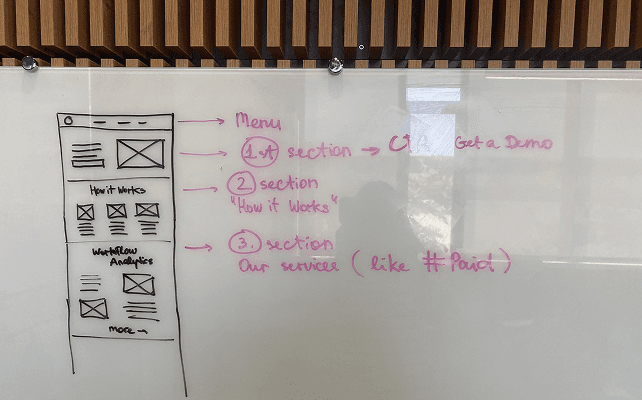
Media Kit MVP landing page experiment process. We worked in Lean UX canvas to define the right user persona and got signals.
We optimized the landing page for your user persona's needs with weekly landing updates.
MVP Media Kit Builder (Idea Validation Phase)
Chapter 1: The Challenge
With tight timelines and a lean team, our goal was to rapidly validate the idea and test with real users.
We started with a hardcoded MVP focused on core features, which required fast iterations, ongoing feedback, and close collaboration between design and development.
Prioritization and continuous testing were key to delivering a high-impact solution with limited resources.
After strong validation results, we confidently moved forward with building the core product.
MVP usability testing Figma file
Chapter 2: The Approach
After validating our MVP with real users, we gained confidence in the product’s potential.
Using the feedback, we refined the core experience, prioritized key features, and began building the full product. Our focus shifted from rapid testing to creating a scalable, user-centered product.
Design System & UI Kit
We decided to use Ant Design as the design system for our tool. It's a popular choice with a huge library of pre-built components, which saved us time and ensured a consistent look and feel.
In our UI Kit, I created the tokens, styles, and versioned components and organized them around real user flows, with a clear structure for both developed and planned elements. This enabled fast iteration and consistent design-development handoff.
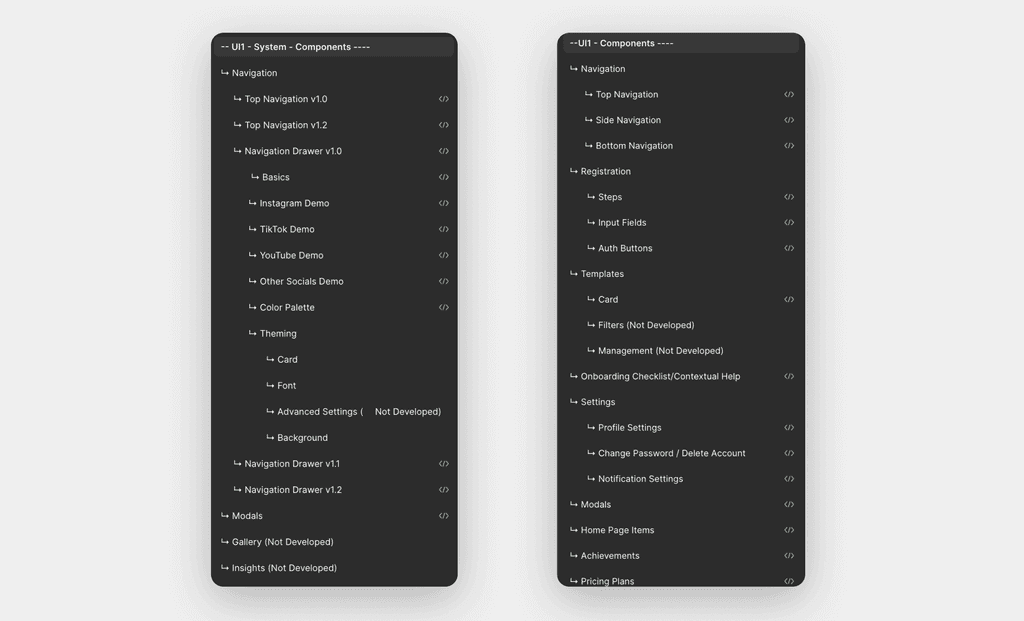
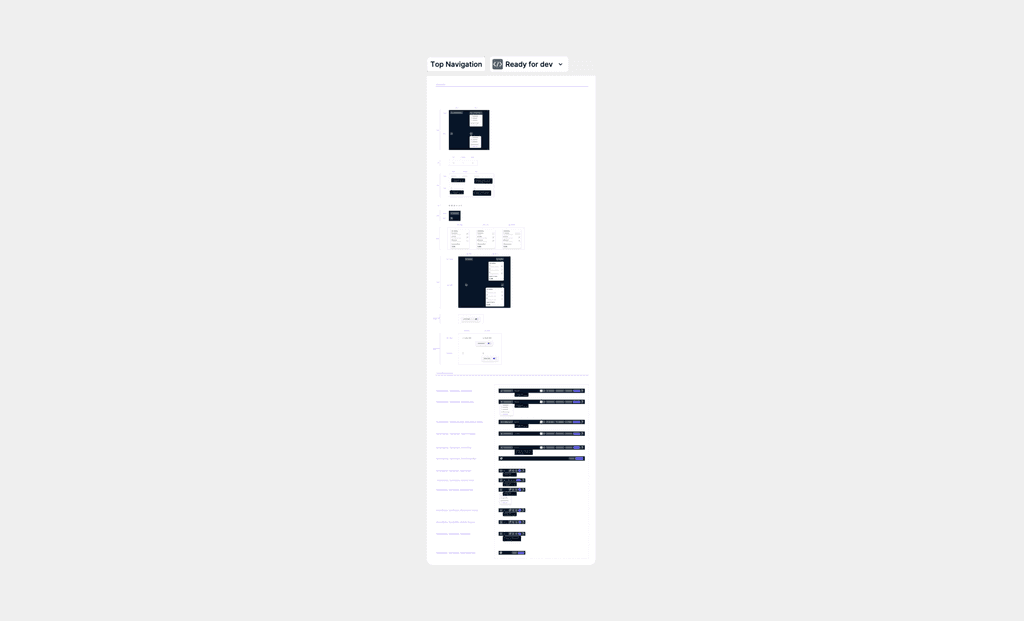
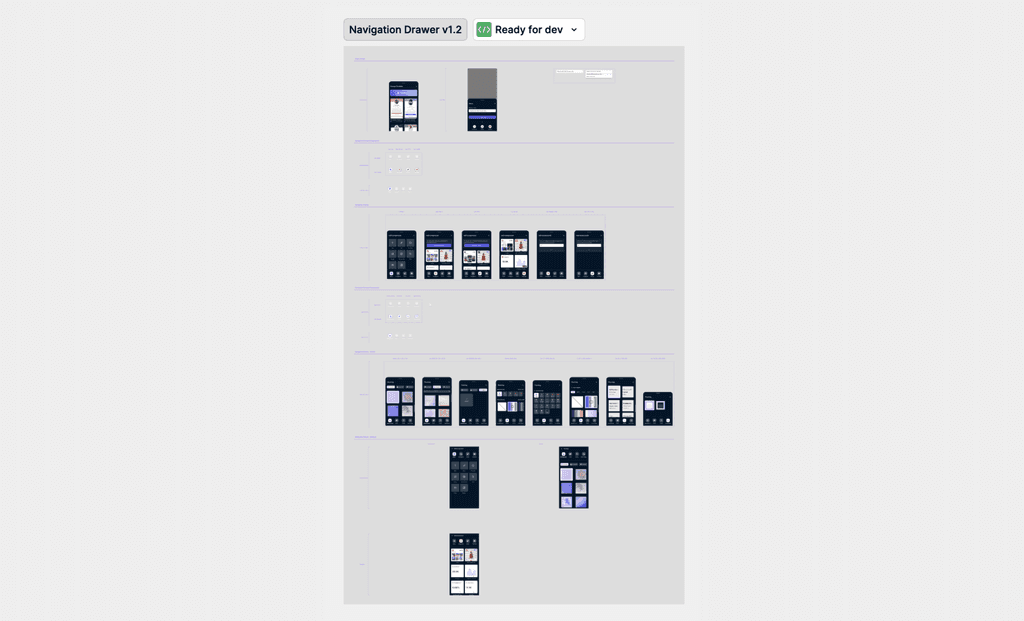
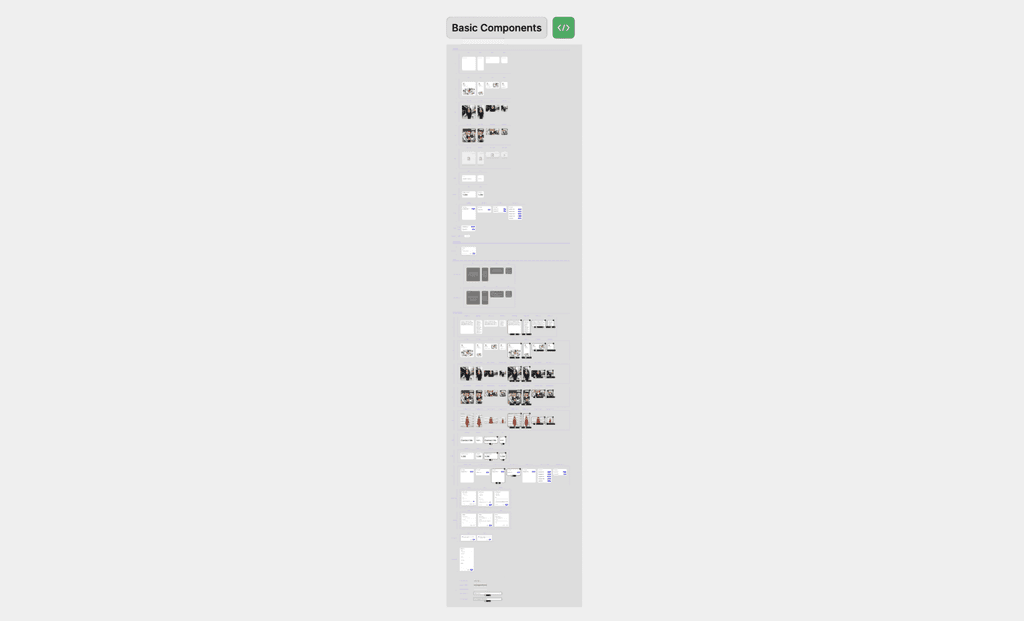
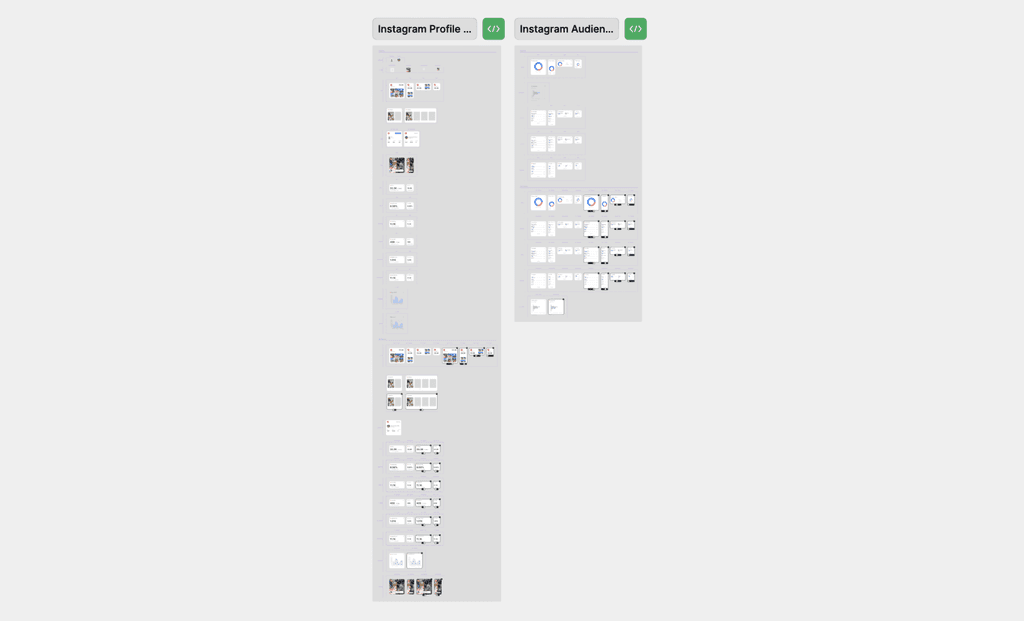
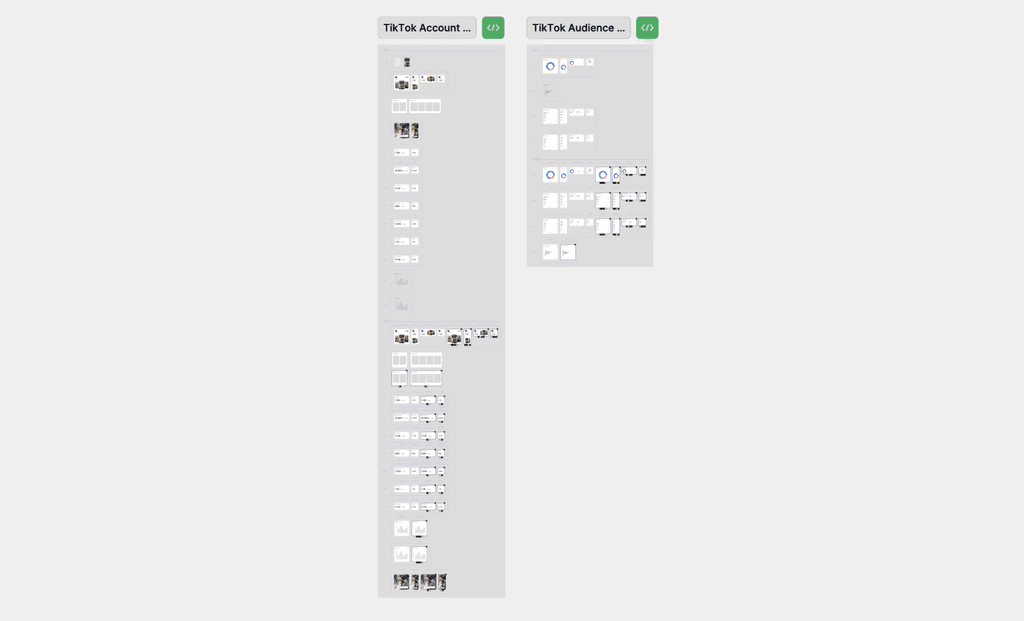
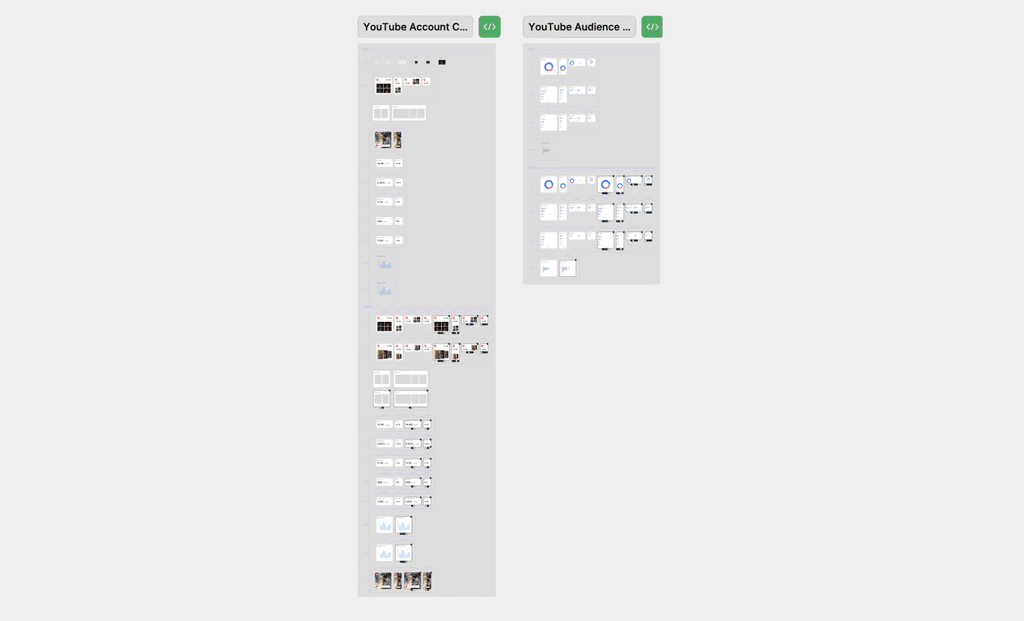
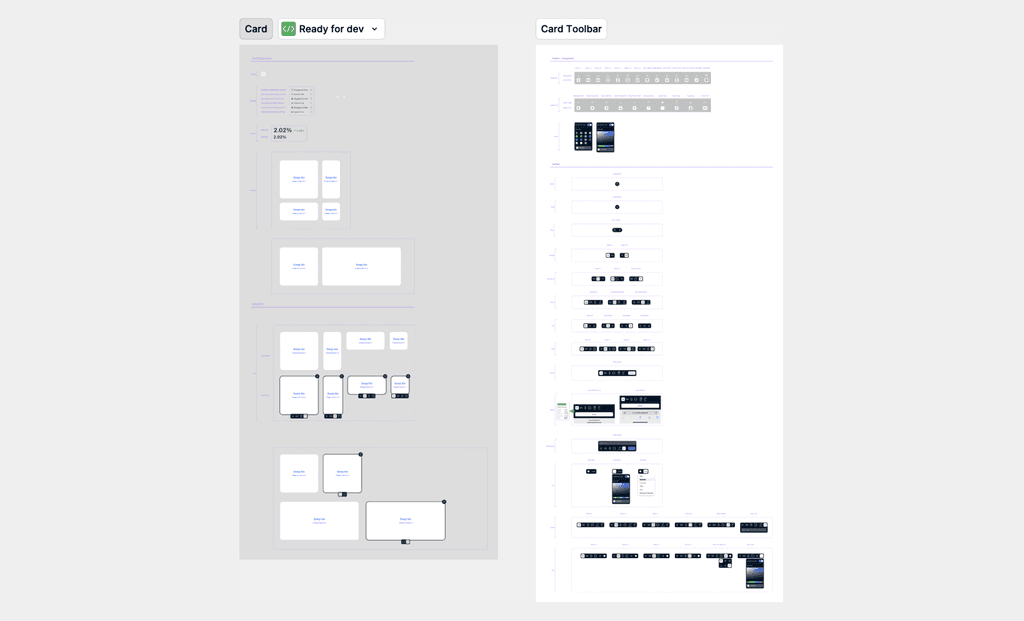
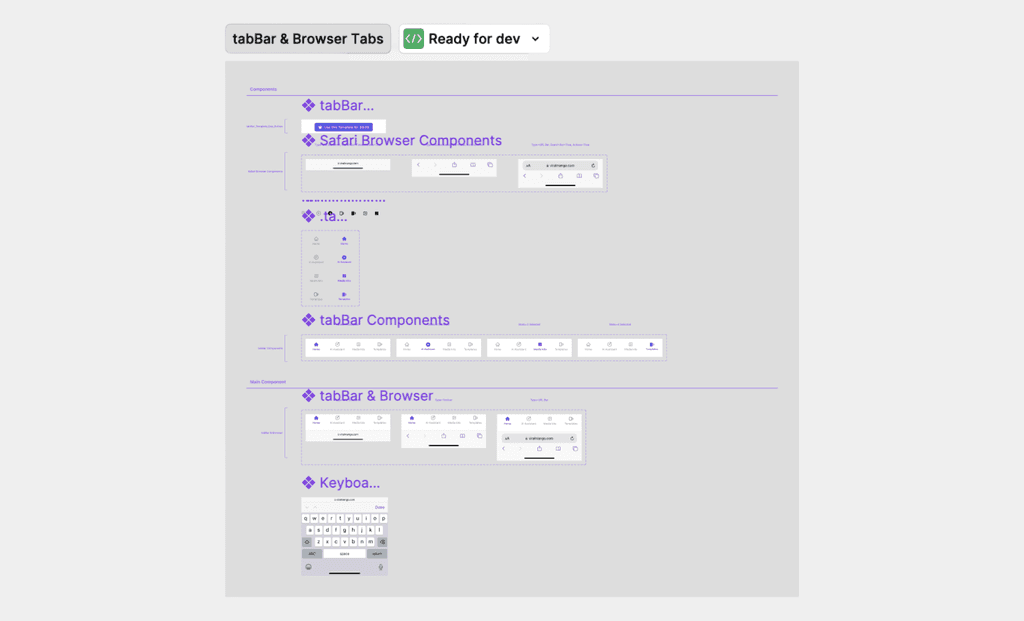
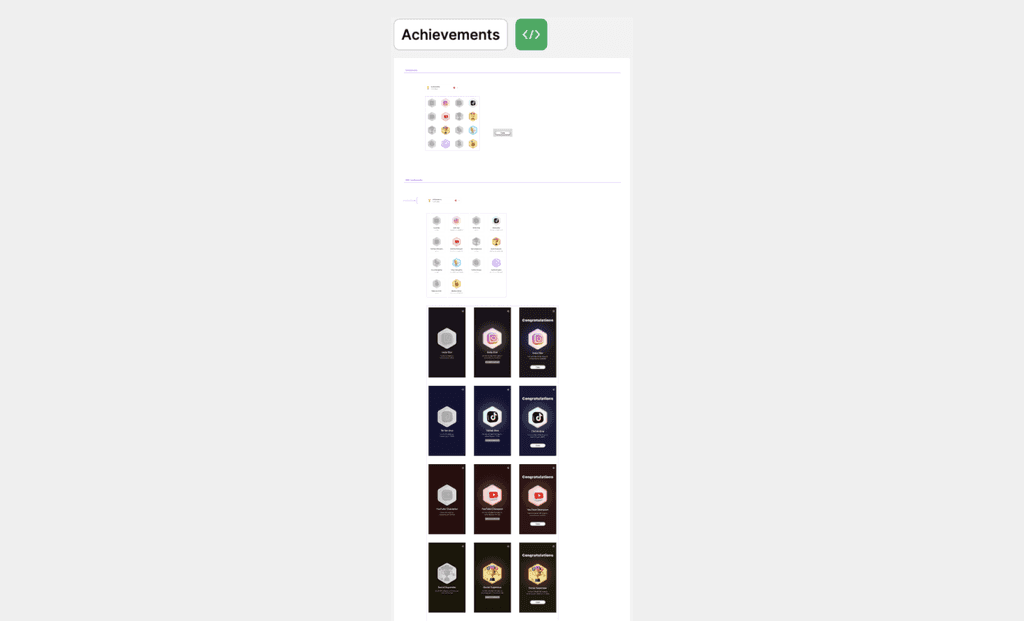
Examples of core product UI Kit organization
Media kit
Media kit Builder
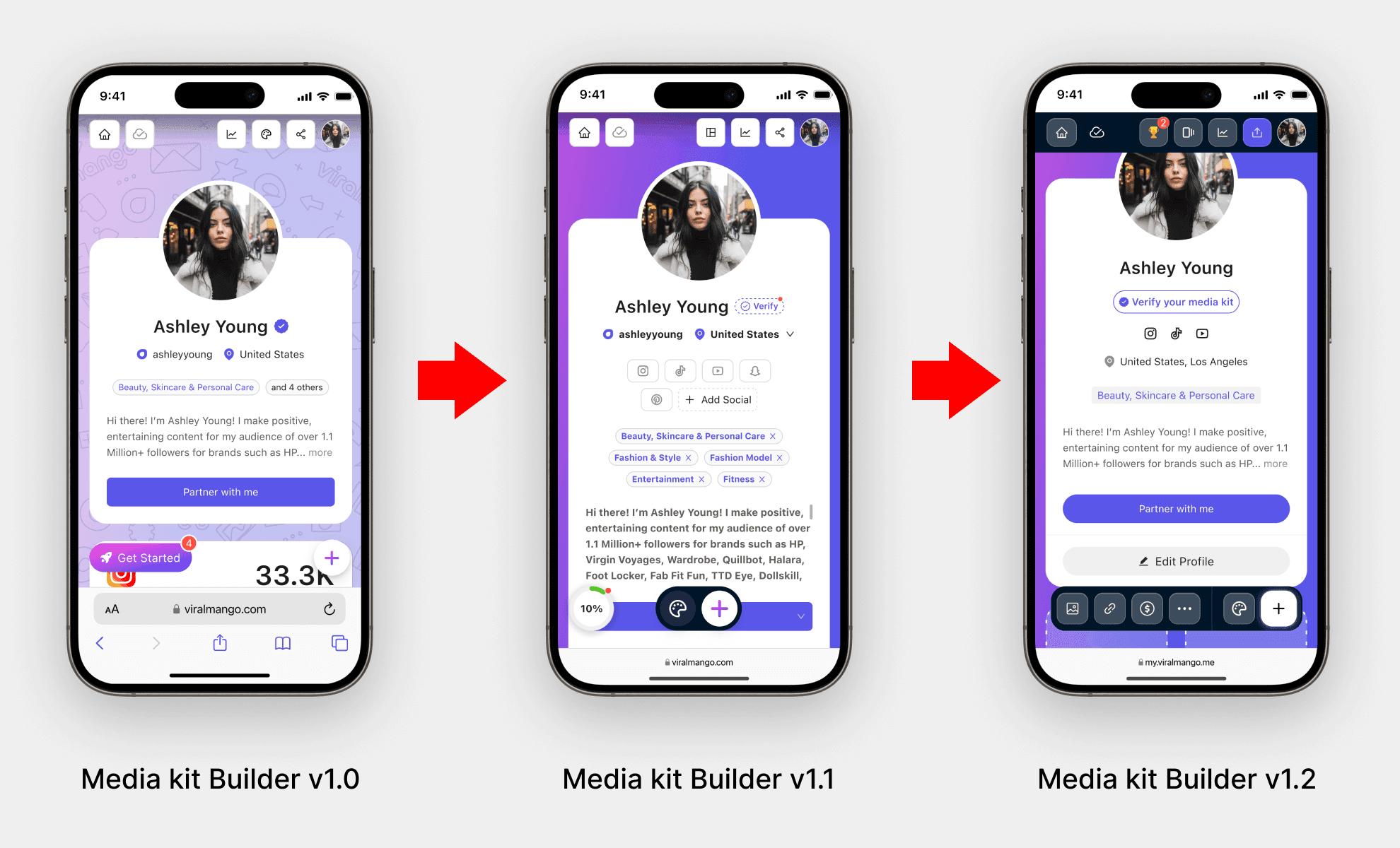
Media kit Builder Evolution (v1.0 → v1.2)
v1.0: Layout with overlapping elements, limited location info, and minimal user actions.
v1.1: Introduced “Verify media kit” CTA, cleared layout, added social icons, improved visual focus, and introduced a new floating action buttons.
v1.2: Improved header, and action buttons, now it is dark for better contrast. In the floating actions, we added mostly used components buttons for quickly adding. Improved alert visibility. Added the "Edit Profile" button to increase the profile edits engagement.
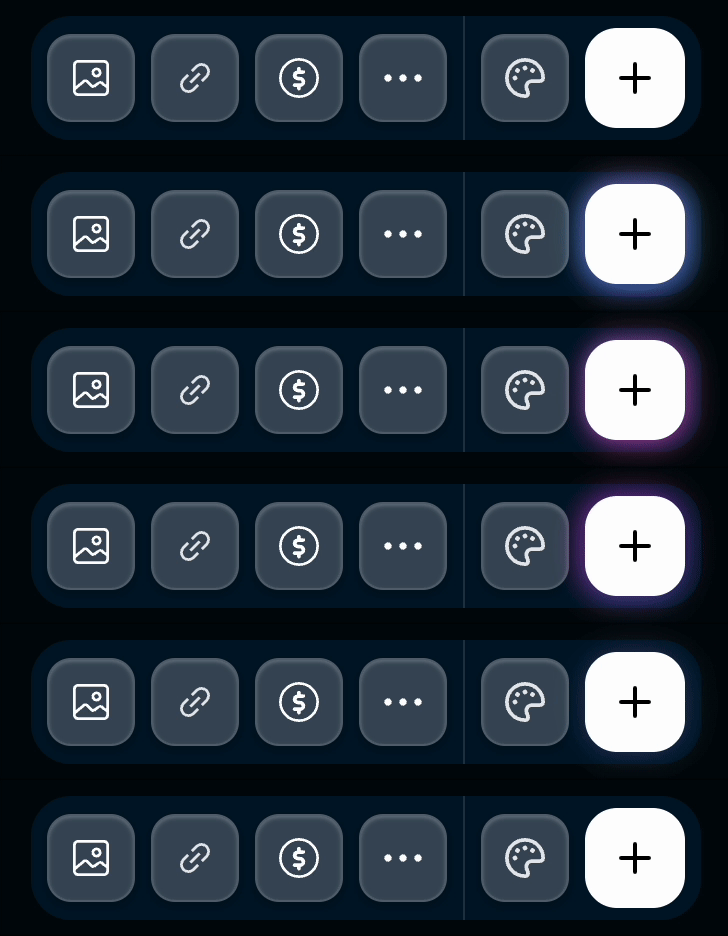
I created a custom plus button using Bolt.new, adding a 5s repeated gradient glow effect to enhance micro interaction and user attention.
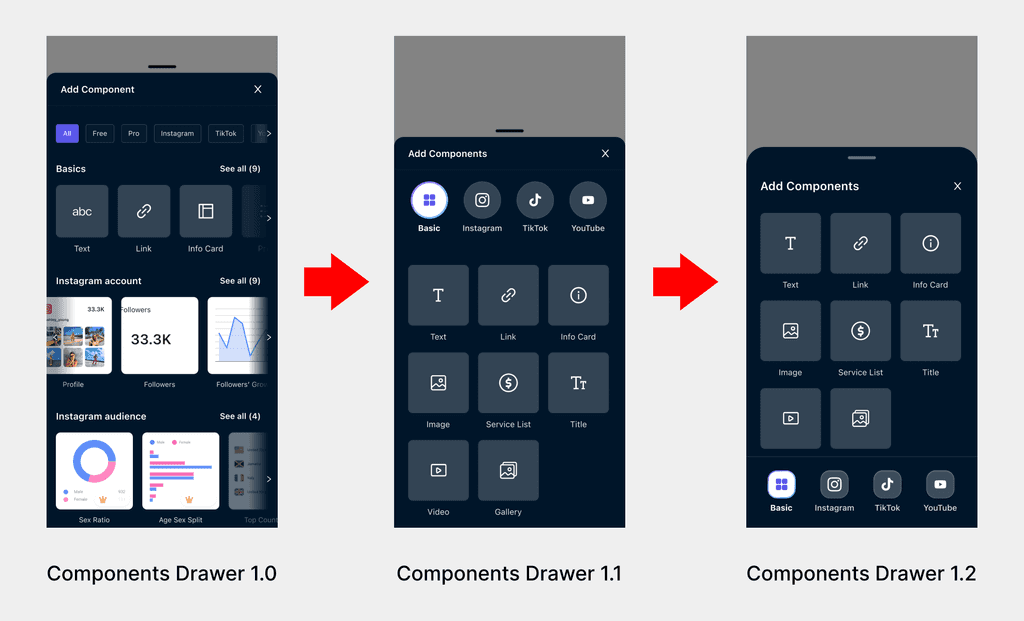
Components Drawer Evolution (v1.0 → v1.2)
v1.0: The drawer used a sorting system that created cognitive load for users trying to find the builder components.
v1.1: I redesigned the structure by introducing top tab icons to clearly separate each content category.
v1.2: I moved the tabs to the bottom for better accessibility—this decision was driven by user behavior insights and data analysis.
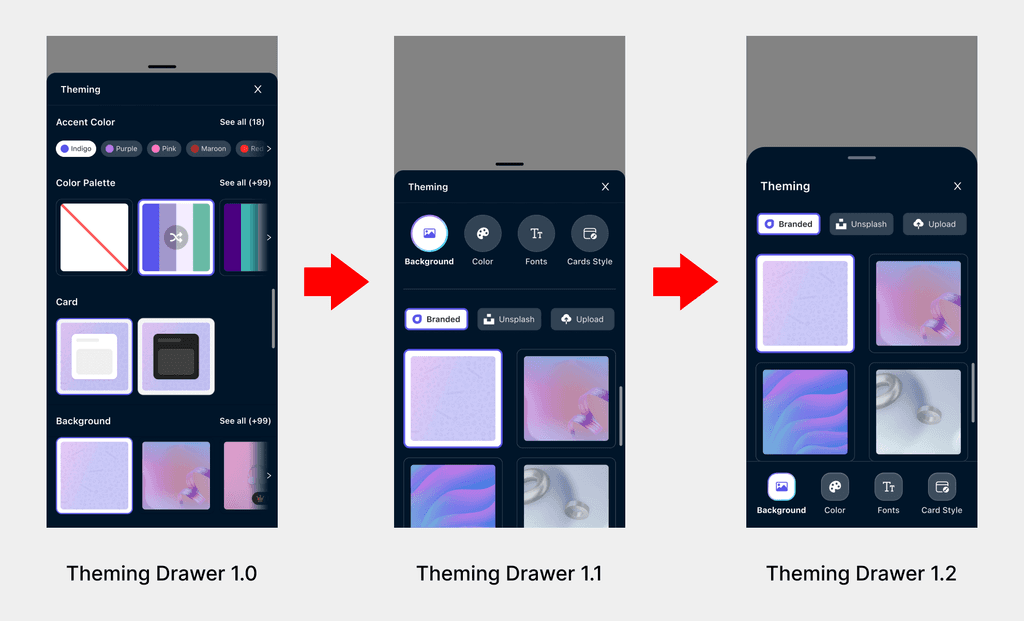
Theming Drawer Evolution (v1.0 → v1.2)
v1.0: Theming options were mixed in one vertical scroll, making it hard for users to find what they needed.
v1.1: I redesigned the drawer, the top tabs for better structure, separating Background, Color, Fonts, and Card Styles.
v1.2: I improved the usability by moving the tabs to the bottom, improving reachability and navigation consistency across the product.
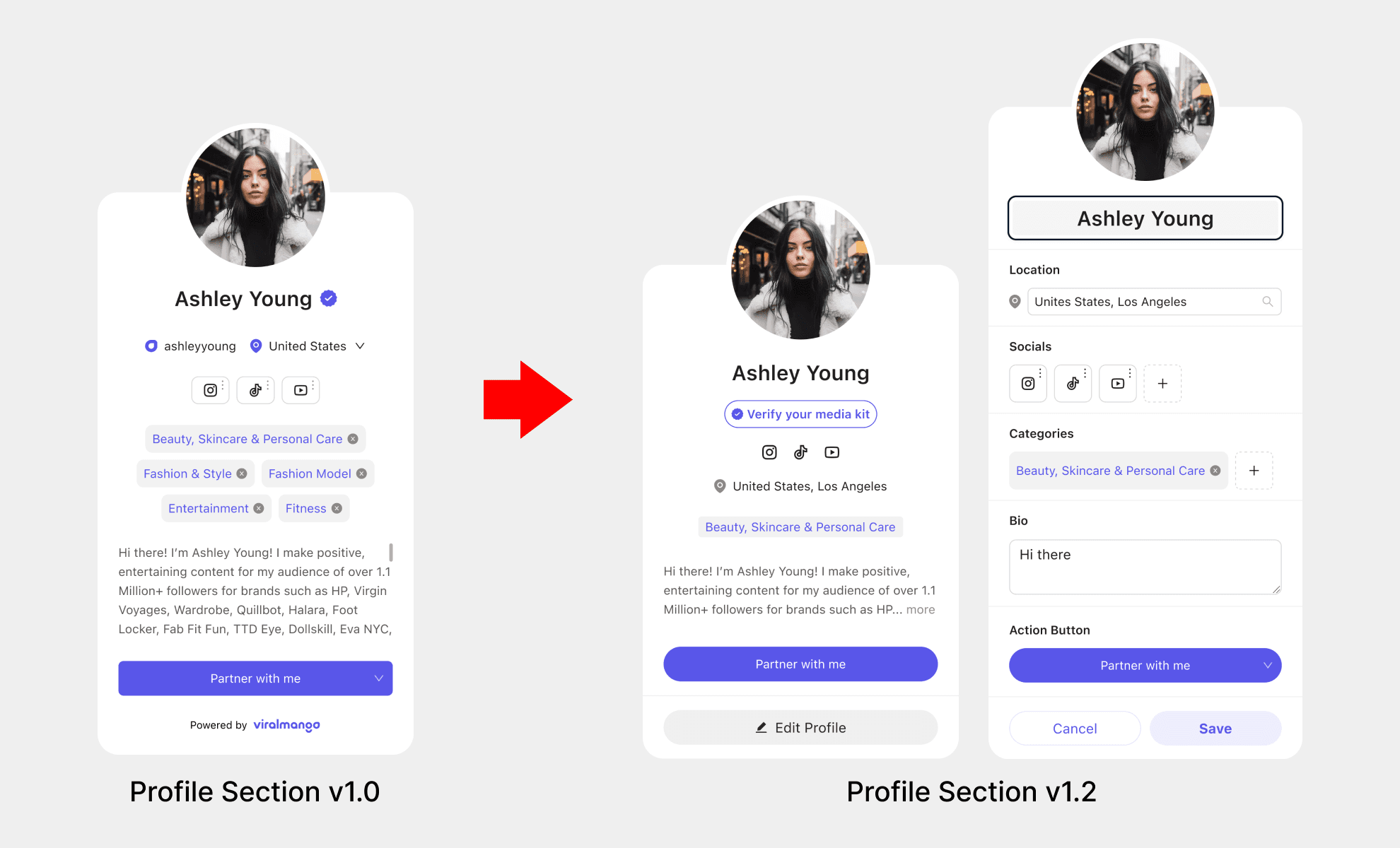
Profile Section Evolution (v1.0 → v1.2)
In v1.0, the profile section was always in edit mode, and changes were autosaved. But most users didn’t understand they could edit their profile, were no labels, no section titles, and no clear indicators. It looked like a static view.
To improve clarity and engagement, I redesigned the flow, and in v1.2, I introduced a visible “Edit Profile” button to separate viewing from editing, and I added clear section titles (Location, Socials, Categories, Bio, and Action Button) inside the edit mode. This gave users structure and guidance, making the editing experience more intuitive and user-friendly.
As a result, most users began editing their profiles and adding missing information, especially in the (Socials, Categories, Bio) sections.
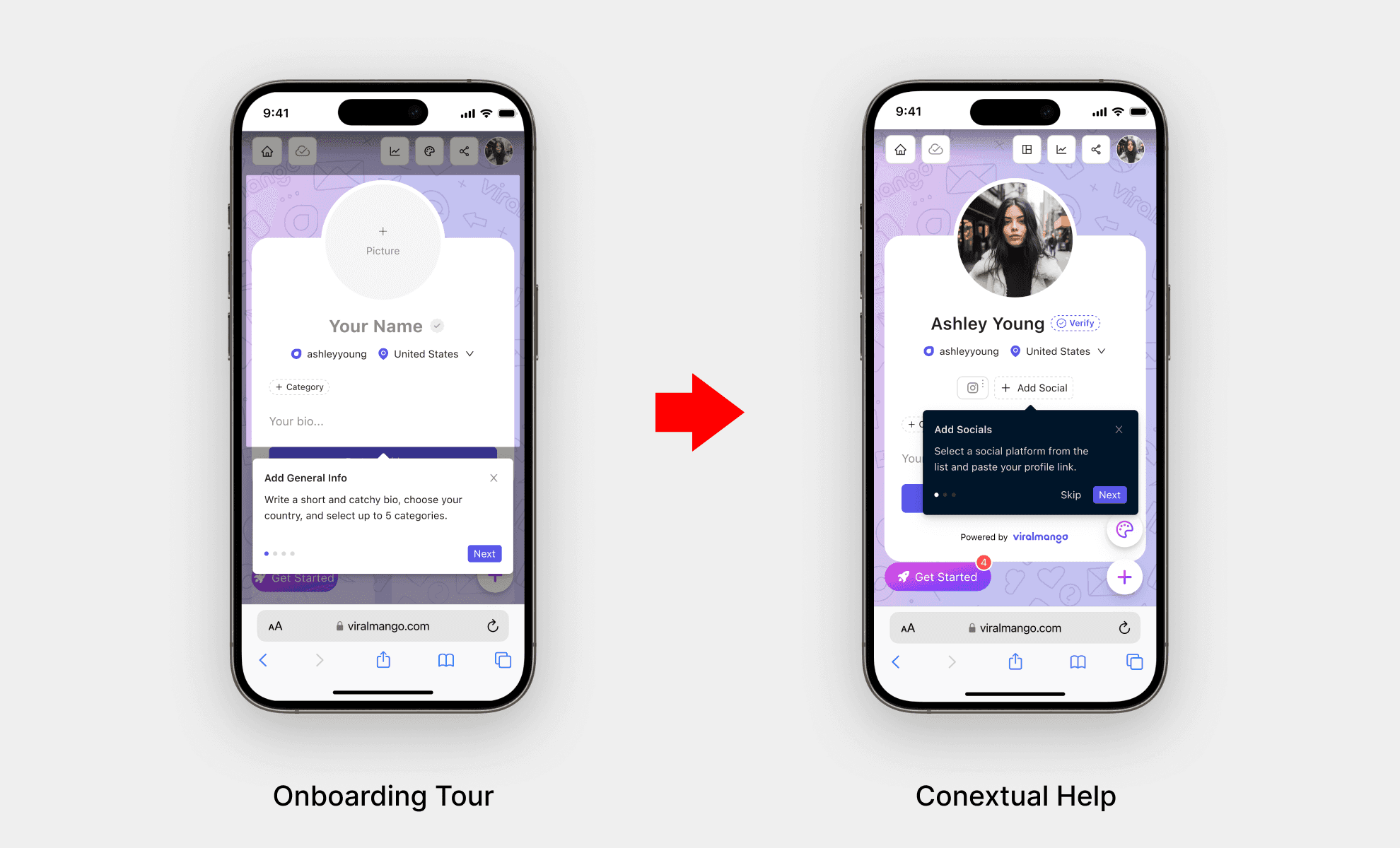
Onboarding Optimization: Tour vs. Contextual Help
To guide first-time users in setting up their media kit, I initially designed a step-by-step onboarding tour. However, user behavior data showed that many users closed the tour immediately and didn’t engage with the media kit features.
To solve this, I replaced the full-page tour with contextual help. This approach reduced cognitive load and gave users more control over their experience.
As a result, media kit setup engagement among newly registered users increased significantly after introducing contextual help.
Note: After launching media kit v1.2, we temporarily turned off contextual help to review its relevance with the updated layout.
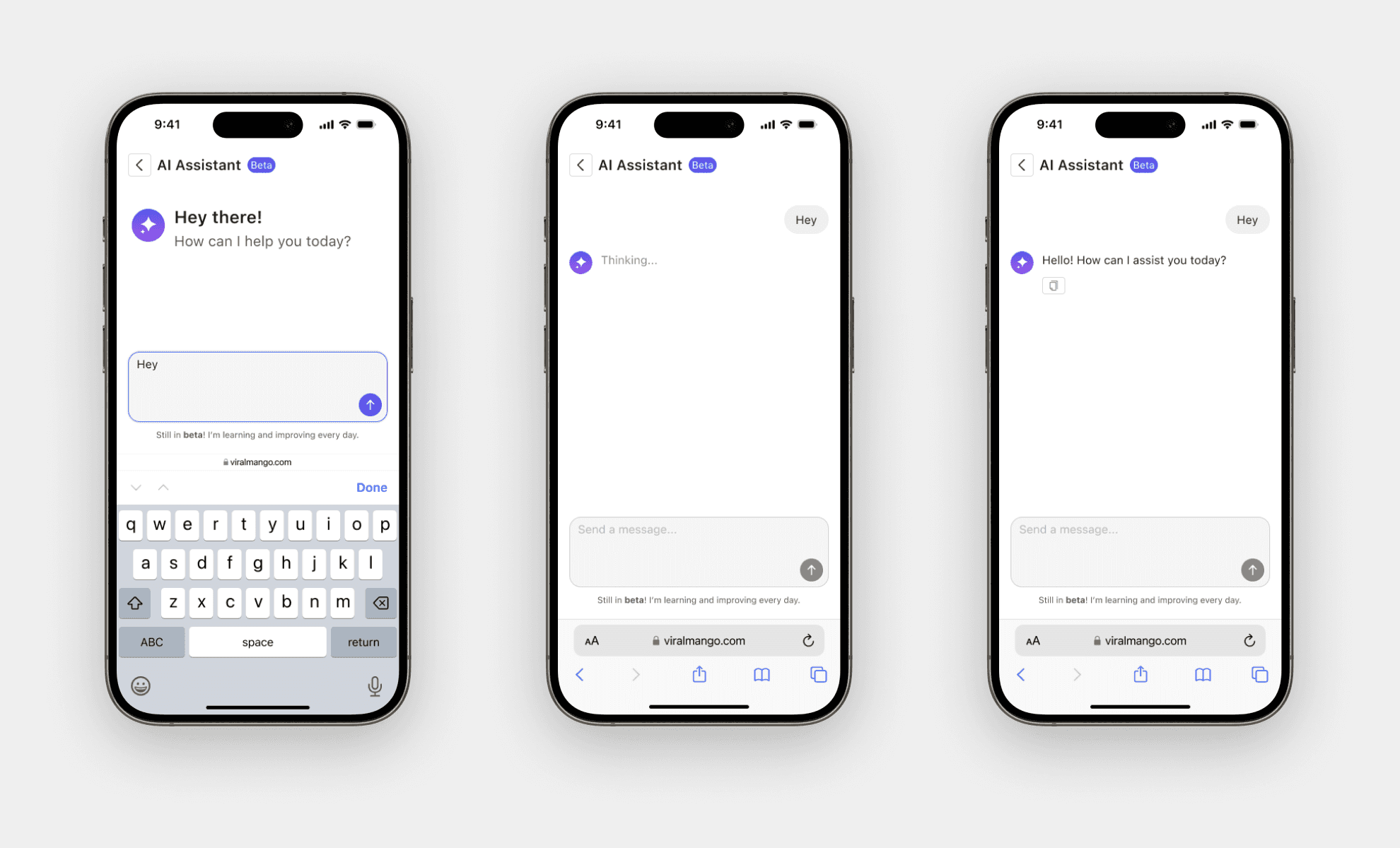
AI Assistant
We introduced an AI Assistant (Beta) to help creators with everyday tasks like:
Reaching out to brands
Boosting profile engagement
Generating content ideas
Getting platform-specific tips
The assistant is built into the media kit flow and designed to feel natural.
Our goal was to create an experience that feels effortless, supportive, and a surprisingly helpful app, and increase the retention rate.
Through competitive research, I discovered that most of our competitors don’t offer an AI Assistant for creators, and this gave us a unique opportunity to lead with innovation and deliver extra value early in the user journey.
Achievements
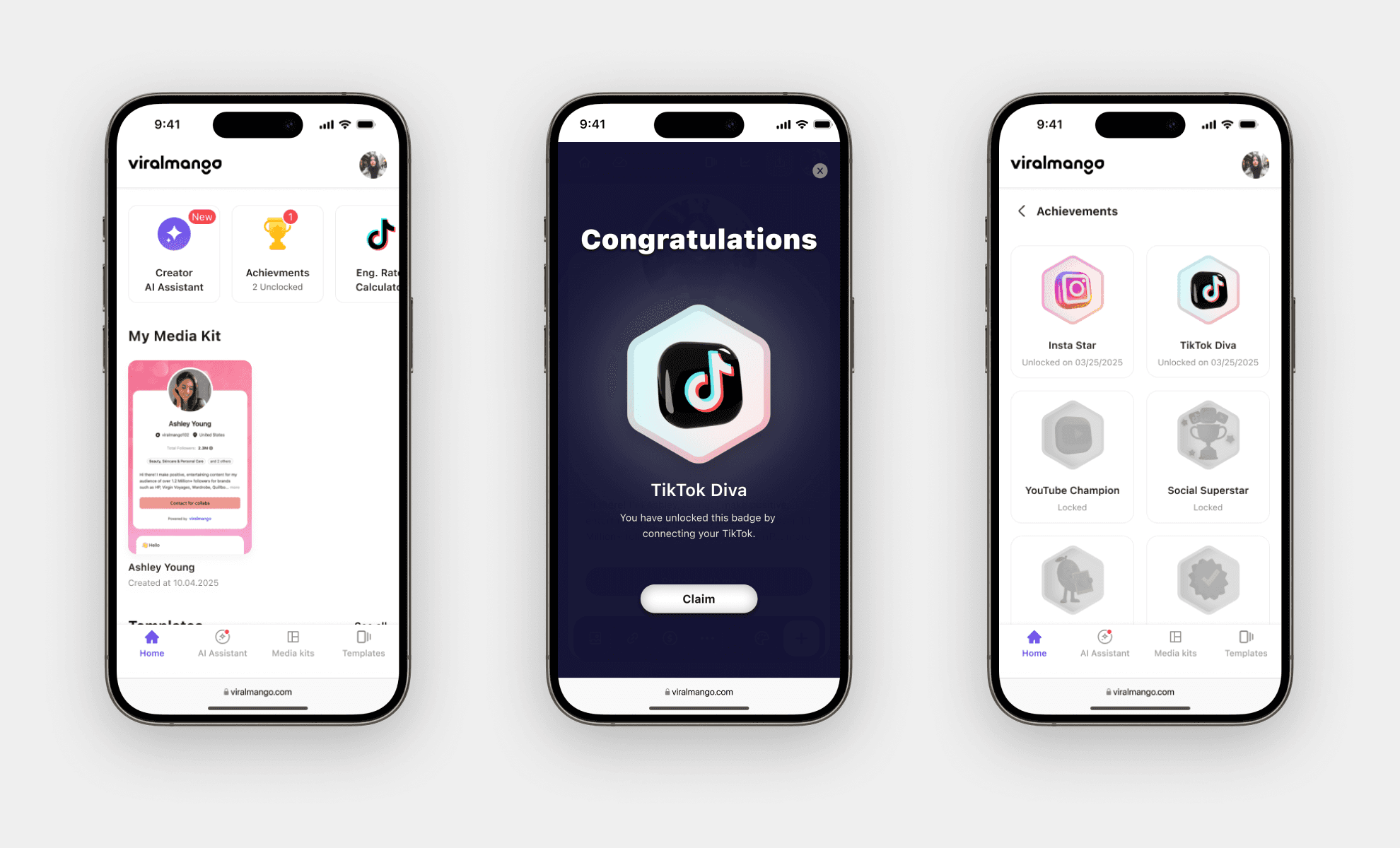
We introduced an Achievements feature to reward creators for completing key actions.
For example, when users connect their social accounts, they earn a social-oriented badge like “TikTok Diva” or “Insta Star.”
This system is the best AHA moments and gamification that encourages progress and adds a sense of motivation throughout the media kit setup journey, and increases the retention rate.
Testing Insights
I tested all these new functionalities and changes using the A/B testing method via PostHog.
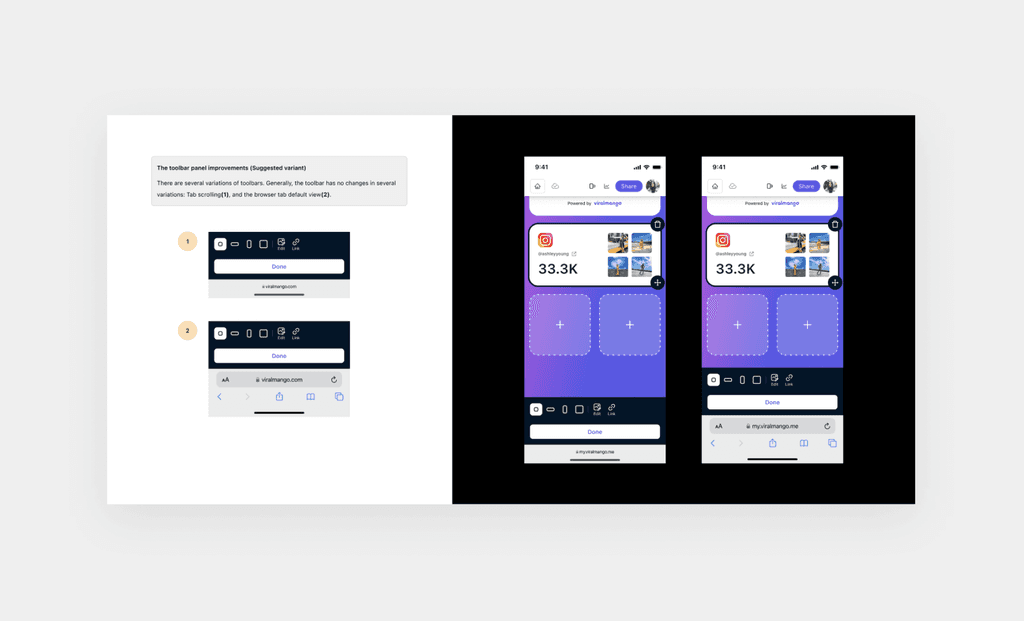
Replacing the onboarding tour with contextual help reduced drop-offs and increased the media kit setup rates by 15%. The "Verify your media kit" button boosted brand engagement by 20%. "Floating" buttons engagement increases the 24%. The new “Edit Profile” button increased profile completion by 23%.
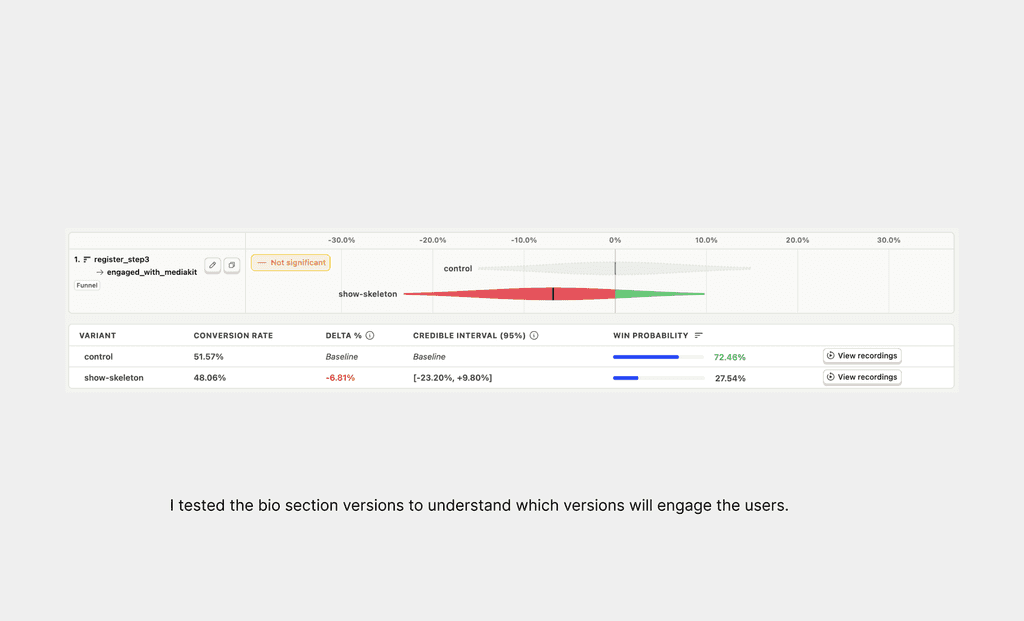
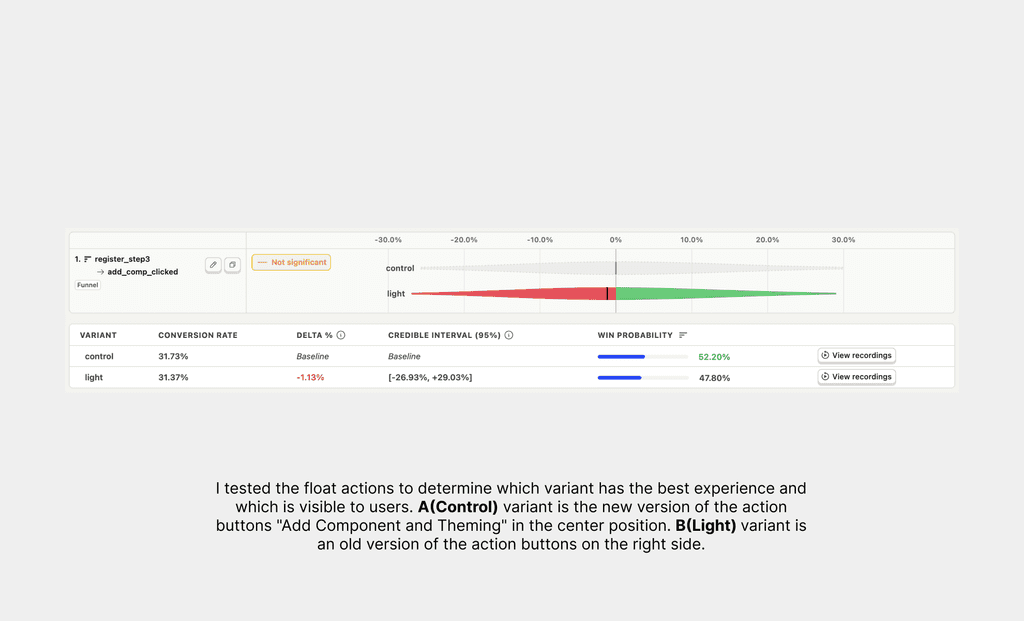
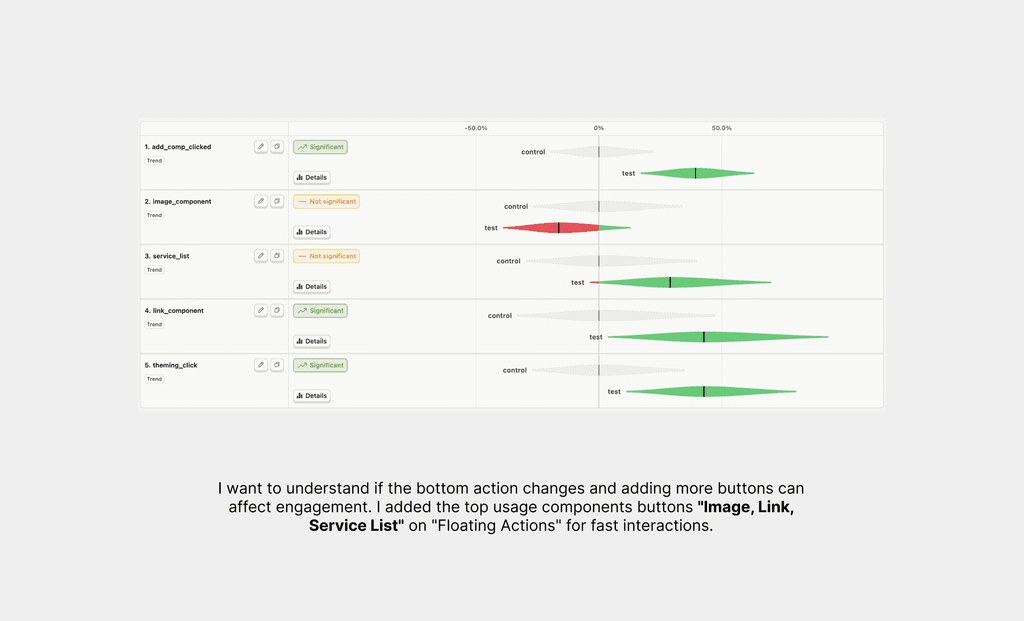
Some of examples from A/B testing